
You work hard for every 5-star review. You send the request, you do the work, and you follow up. But once that glowing review lands on Google or Facebook, does its job end there?
Absolutely not.
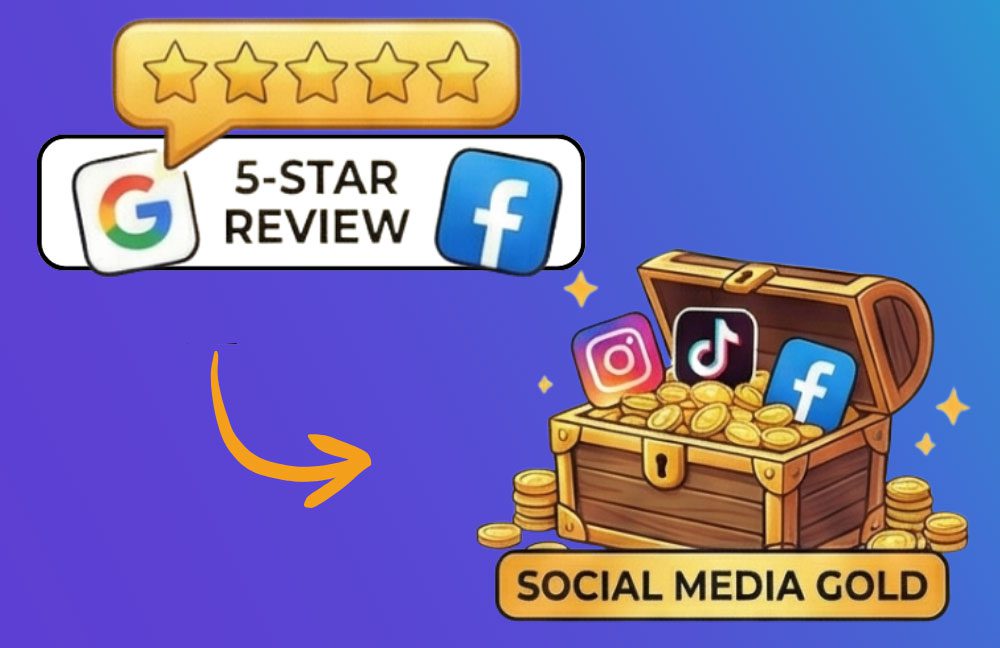
A 5-star review is a high-value asset sitting in your digital vault. If you leave it on Google, only people actively searching for you will see it. But if you move it to social media, you broadcast that trust to your entire audience.
Here is the ZipLocal guide to turning your “Review Management” wins into “Social Media Gold.”
Why This Strategy Works
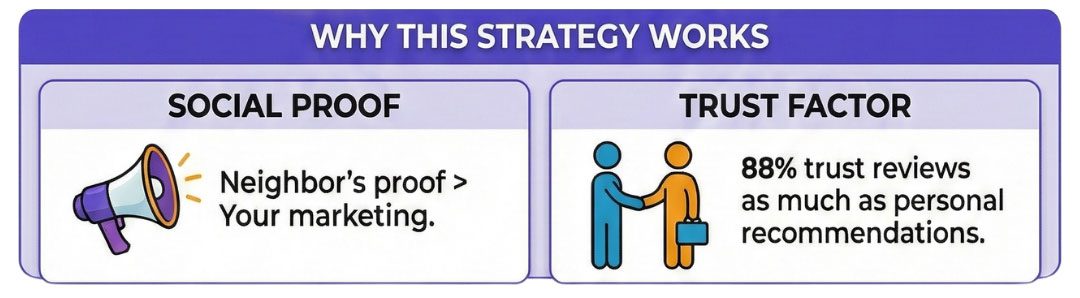
It comes down to Social Proof. When you say you are great, it’s marketing. When a neighbor says you are great, it’s proof.
- Trust: 88% of consumers trust online reviews as much as personal recommendations.
- Content: IOne of the biggest struggles for local businesses is “What do I post today?” Your reviews are your content.
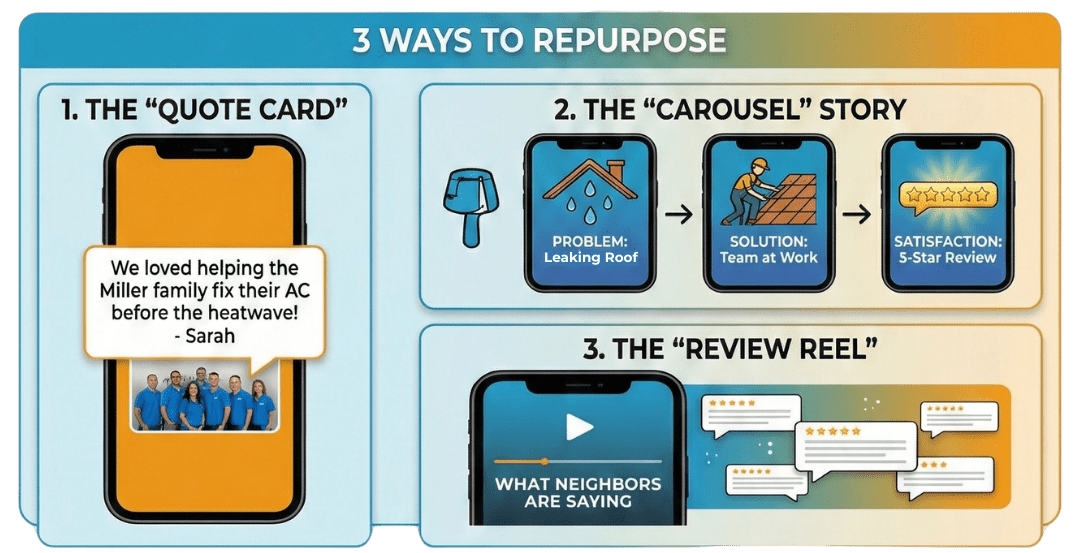
3 Ways to Repurpose Reviews for Social Media
1. The “Quote Card” (Visual Impact)
Don’t just take a screenshot of the review (which can look messy on mobile). Create a simple branded graphic.
- The Format: Use a solid background color (your brand blue or orange) or a high-quality photo of your team working. Overlay the best 1-2 sentences of the review in a clean, bold font.
- The Caption: Don’t just say “Thanks!” Use the caption to tell the story behind the job.
Example: “We loved helping the Miller family fix their AC before the heatwave hit last week! Thanks for the kind words, Sarah!”
2. The “Carousel” Story (Deep Dive)
Instagram and Facebook love carousel posts (multiple images you swipe through). This is perfect for detailed reviews.
- Slide 1: The problem the customer had (e.g., “My roof was leaking…”)
- Slide 2: Photo of your team fixing it.
- Slide 3: The screenshot of the 5-star review mentioning the solution.
- Why it works: It takes the follower on a journey from problem >> solution >> satisfaction.
3. The “Review Reel” (Video)
Video content reigns supreme right now. You don’t need a film crew to make this work.
- The Method: Create a simple 15-second video (Reel/TikTok) featuring a slideshow of your top 3 recent reviews set to trending audio.
- The Text Overlay: : “What our neighbors in [City Name] are saying about us this month.”
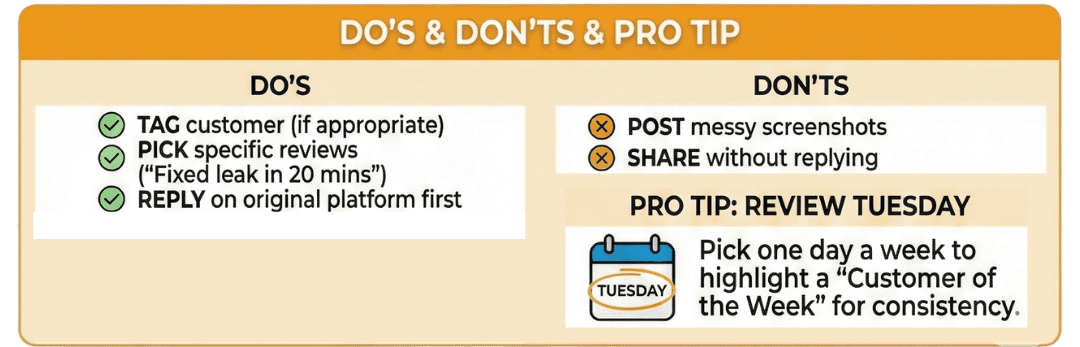
The “Do’s and Don’ts” of Sharing Reviews
- DO tag the customer (if appropriate): f you are friends with them on Facebook, tagging them increases the chance they will share your post to their friends—expanding your reach instantly.
- DON’T share without replying first: Make sure you have replied to the review on the original platform (Google/Facebook) via your ZipLocal dashboard before you blast it out on social media.
- DO pick specific reviews: Generic “Great service” reviews are okay, but specific reviews (“Mike came out on a Sunday and fixed the leak in 20 minutes”) are gold. Specificity sells.
Pro Tip: The “Review Tuesday” Routine
Consistency is key. Pick one day a week (we like Tuesdays) to highlight a “Customer of the Week.” It fills a slot in your content calendar and trains your audience to look for positive feedback about your brand.
Ready to Work with Experience That Matters?
Instead of choosing a partner merely “native” to the current digital trend, select the partner who is native to enduring business success.